Every notification your apps send, in one place.
Push notifications and in-app messages for Android and iOS apps. Send through your own Firebase project, and keep your audience data yours.
- Free plan, no card needed
- Sends through your own Firebase project
- Android, iOS, Flutter, React Native and Unity
442,500
238,204
51.2%
Your delivery has arrived
Courier left your package at the front door.
deliveries · last 15 minutes
- Food Delivery Android · iOS 48,210 devices
- Daily News React Native 31,377 devices
- Fitness Coach Flutter 22,904 devices
- Shop Express Android 18,640 devices
- City Rides Android · iOS 12,455 devices
- Learn Daily iOS 8,914 devices
Example dashboard — the figures are made up.
Works with the apps you ship
- Kotlin Android
- Java Android
- Swift iOS
- Flutter Android + iOS
- React Native Android + iOS
- Unity Android + iOS games
- REST API Any backend
See PusherHub in action
A quick look at how PusherHub works.
From your app to the lock screen
PusherHub sends through Google's Firebase Cloud Messaging (FCM) and the Apple Push Notification service (APNs) — the same road every Android and iOS push notification takes.
-
1
Your app
The PusherHub SDK registers each install with PusherHub and keeps its push token up to date.
- Kotlin
- Java
- Swift
- Flutter
- React Native
- Unity
-
2
PusherHub
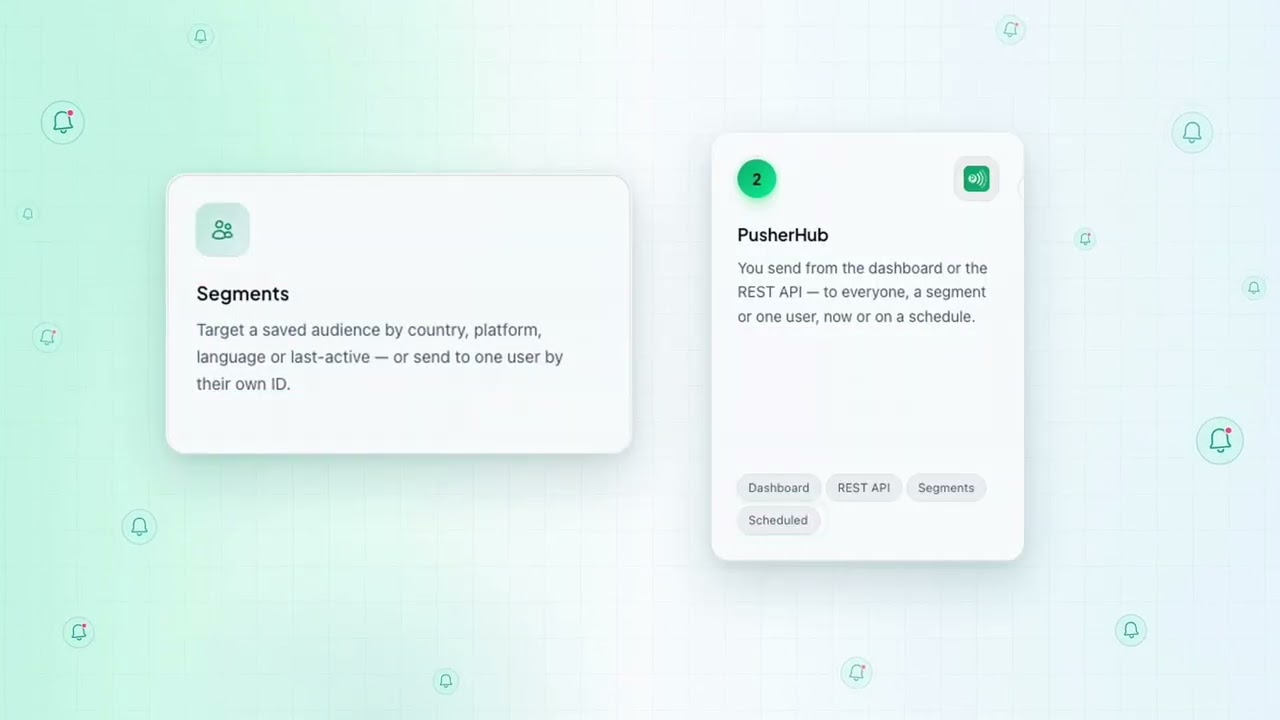
You send from the dashboard or the REST API — to everyone, a segment or one user, now or on a schedule.
- Dashboard
- REST API
- Segments
- Scheduled
-
3
Firebase Cloud Messaging
PusherHub hands each notification to Google's FCM, through your own Firebase project.
- Your Firebase project
- Free from Google
-
4
The phone
- Android — straight from FCM.
- iPhone — through Apple's push service (APNs). Set up your APNs key
Everything a notification stack needs
Multi-platform sending
Android and iOS — native, Flutter, React Native or Unity — from one API and one dashboard. Register a device once and PusherHub works out where to send.
Segments
Target a saved audience by country, platform, language or last-active — or send to one user by their own ID.
Delivery analytics
Sent, delivered, opened and clicked, per app and per country — with a realtime view on plans that include it.
In-app messages
Modals and banners with their own templates and audiences, shown inside the app without a release.
Your keys, your data
Notifications go out under your own Firebase project. Your service account is stored encrypted, and your device tokens and audience data stay yours.
REST API and webhooks
Send from your own backend and have delivery events posted to your endpoint, signed so you can verify them.
From sign-up to your first notification in minutes
-
1
Create an app
Sign up free and add your app. Its keys are ready straight away.
-
2
Connect Firebase
Upload your Firebase service account file. It is stored encrypted, and checked the moment you save it.
-
3
Add the SDK
Drop the SDK into your Android, iOS, Flutter, React Native or Unity app — or call the REST API from your backend.
-
4
Send
Send to everyone, a segment or one user from the dashboard or the API, and see how each one did.
One call, however many devices.
Drop in the push notification SDK for Flutter, Kotlin, Java, Swift, React Native or Unity, or send push notifications from your own backend with the REST API. Batching, retries and dead-token cleanup are handled for you.
- Batched fan-out A send to a large audience goes out in batches, resuming where it left off if a worker restarts.
- Dead tokens cleaned up Devices that Firebase rejects are marked uninstalled instead of being retried forever.
- Signed webhooks Every delivery is signed so your endpoint can verify it came from your own PusherHub.
curl -X POST https://pusherhub.com/api/send-notification \ -H "Authorization: Bearer YOUR_SECRET_KEY" \ -H "Content-Type: application/json" \ -d '{ "app_key": "YOUR_APP", "title": "Your delivery has arrived", "message": "Left at the front door.", "audience_type": "all" }'Plans that grow with your apps
One flat price for each plan, whatever your app's size — never a charge for each user.
- Free Free
- Pro $10 /month
- Max $30 /month
Questions, answered
Do I need a Firebase account?
Yes. PusherHub sends through Firebase Cloud Messaging with your own Firebase project — for iOS too, with your APNs key added in Firebase. Firebase charges nothing for messaging.
Who owns my data?
You do. Your Firebase key is stored encrypted, and your devices and audience data are only used to send your notifications.
Is there a free plan?
Yes. The Free plan needs no card. Move to a paid plan only when you need more.
What happens when I reach my plan's limit?
New sends are refused, with a message saying why. On a plan that refills monthly they start again next month; on any plan you can upgrade for more. Nothing is ever charged automatically.
Do plans renew by themselves?
No. You pay for a month or a year at a time, and renew when you choose. See the Refund & Cancellation Policy for refunds.
Which platforms are supported?
Android (Kotlin or Java), iOS (Swift), Flutter, React Native and Unity, plus a REST API you can call from any backend.
How does the affiliate program work?
Sign up, open Affiliate in your dashboard and share your link. When someone you refer buys a plan, a share of what they pay goes into your wallet.
Take control of your app's notifications
Connect your Firebase project and send your first notification in a few minutes. No card needed.
Start for free